Blackwork chest tattoo — preview it on a real photo
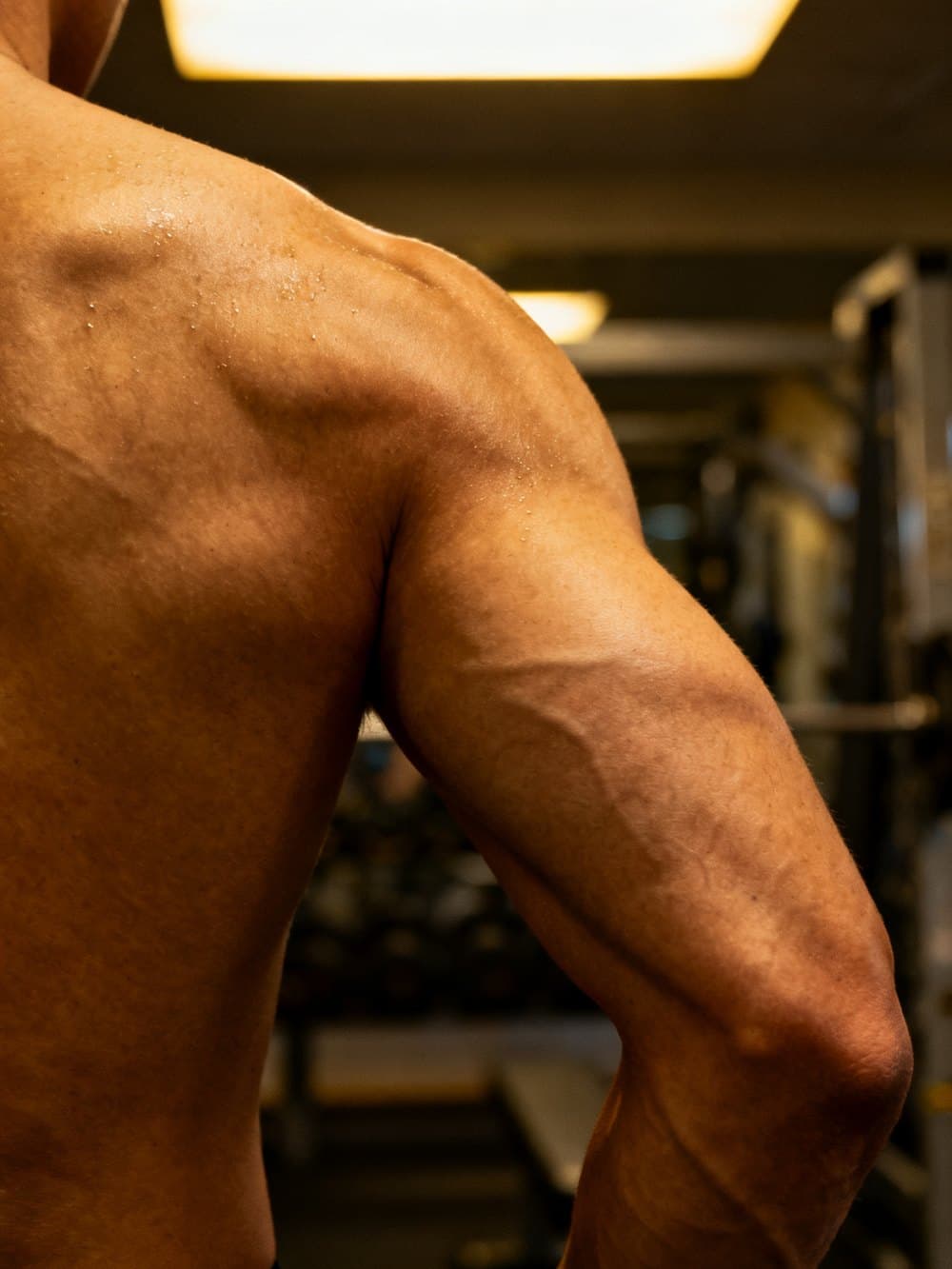 Photo
Photo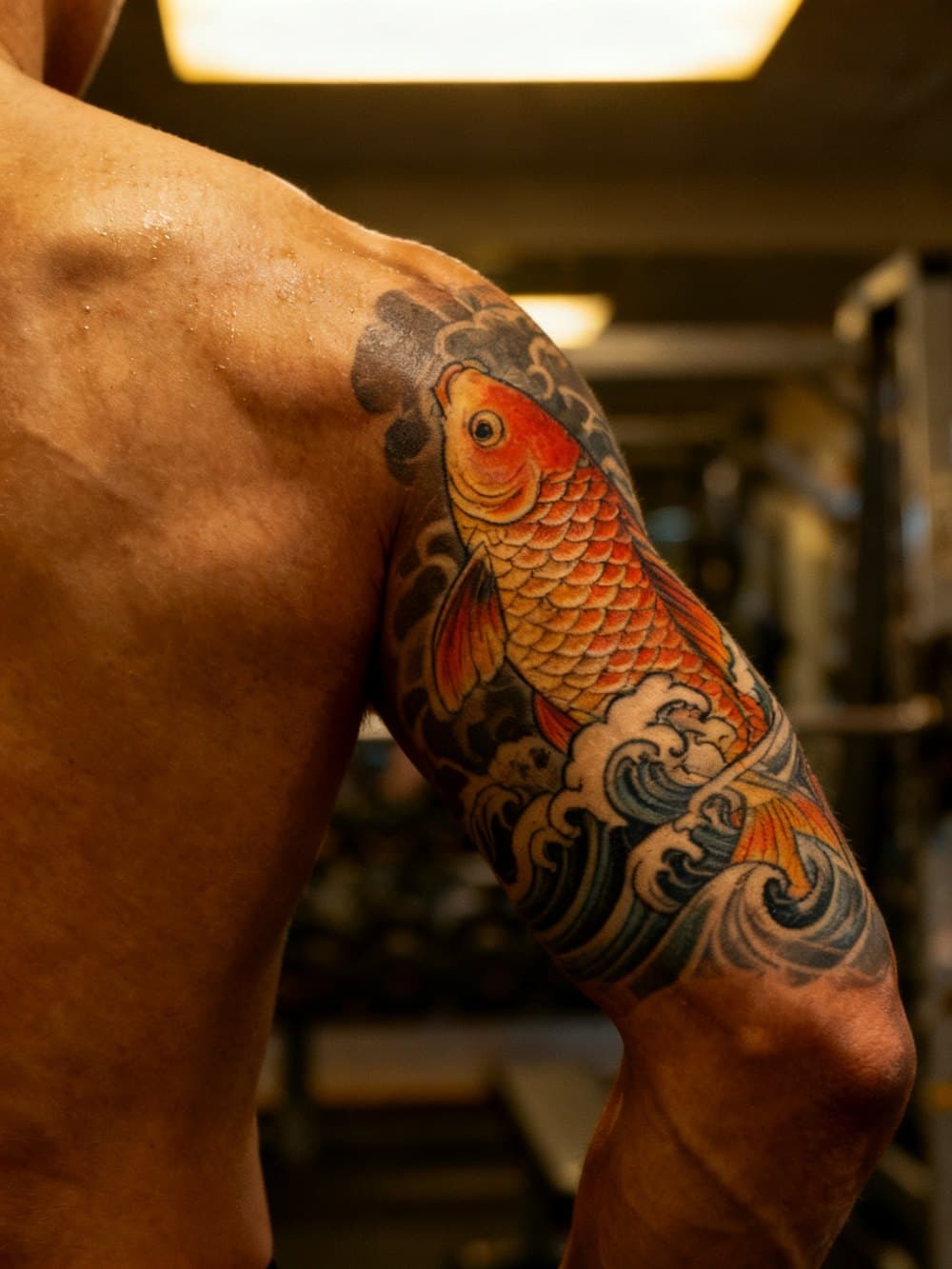 With design
Most tattoo preview tools generate a design, then paste it onto a stock photo of an arm. InkBefore is different. The AI reads your chest — its curvature, your skin tone, the light source in your photo — and places blackwork ink as though it were already there.
This matters most for blackwork work, which depends heavily on how the design interacts with the body beneath it. A blackwork tattoo that looks stunning on a flat template can shift completely when wrapped around the contour of your actual chest. The only way to know how it'll sit is to see it in a real photo.
The preview keeps your existing details intact: moles, freckles, veins, the way the light catches your skin. It doesn't smooth you out or relight you. What you see is the closest thing to a healed tattoo that technology can produce before the appointment.
First preview free — clean, no watermark. Preview packs with HD downloads and three style variations start at $4.99, one-time. Photos are auto-deleted within 24 hours — no account needed.
Preview a tattoo design on a real photo now
Free preview · No account · Photo deleted in 24h
Upload a photo →Free watermarked preview · HD $5.99 · 5-pack $14.99 ($3/preview)
Frequently asked questions
How long does it take to generate a preview?
About 20-40 seconds. Upload a photo, describe the tattoo design, and the AI places it on the photo in a single pass.
Is my photo private?
Yes. The uploaded photo is used only to generate the preview and is automatically deleted from our servers within 24 hours. No account is needed, and photos are never used for AI training.
How much does it cost?
The watermarked preview is free. The HD version with three style variations is $5.99 for one session, or $14.99 for a five-session pack ($3/preview). One-time payment — no subscription.
Can I upload a reference design?
Yes. In addition to the text description, you can upload a reference image of the design you want placed on the photo.