Watercolor chest tattoo — preview it on a real photo
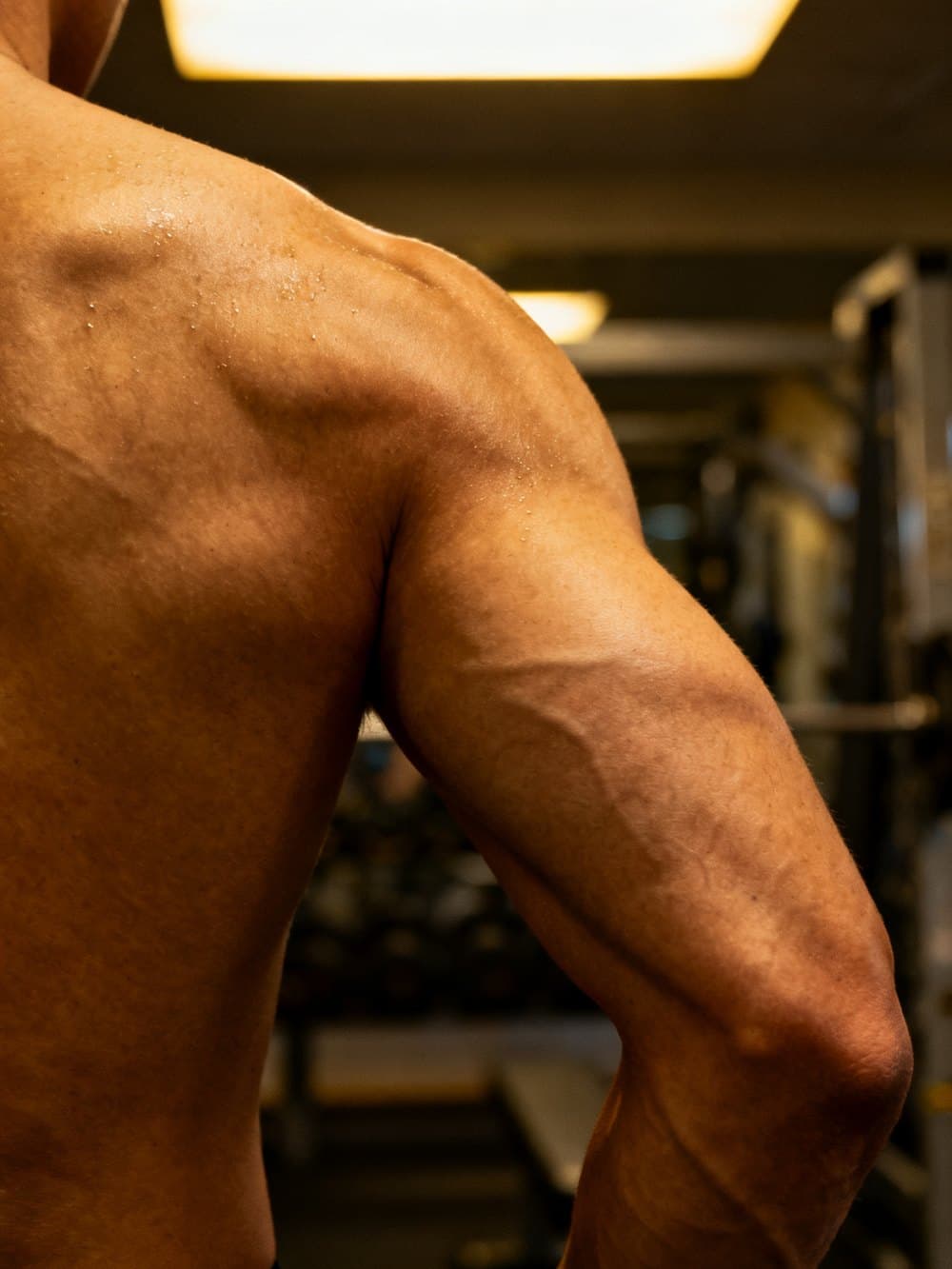 Photo
Photo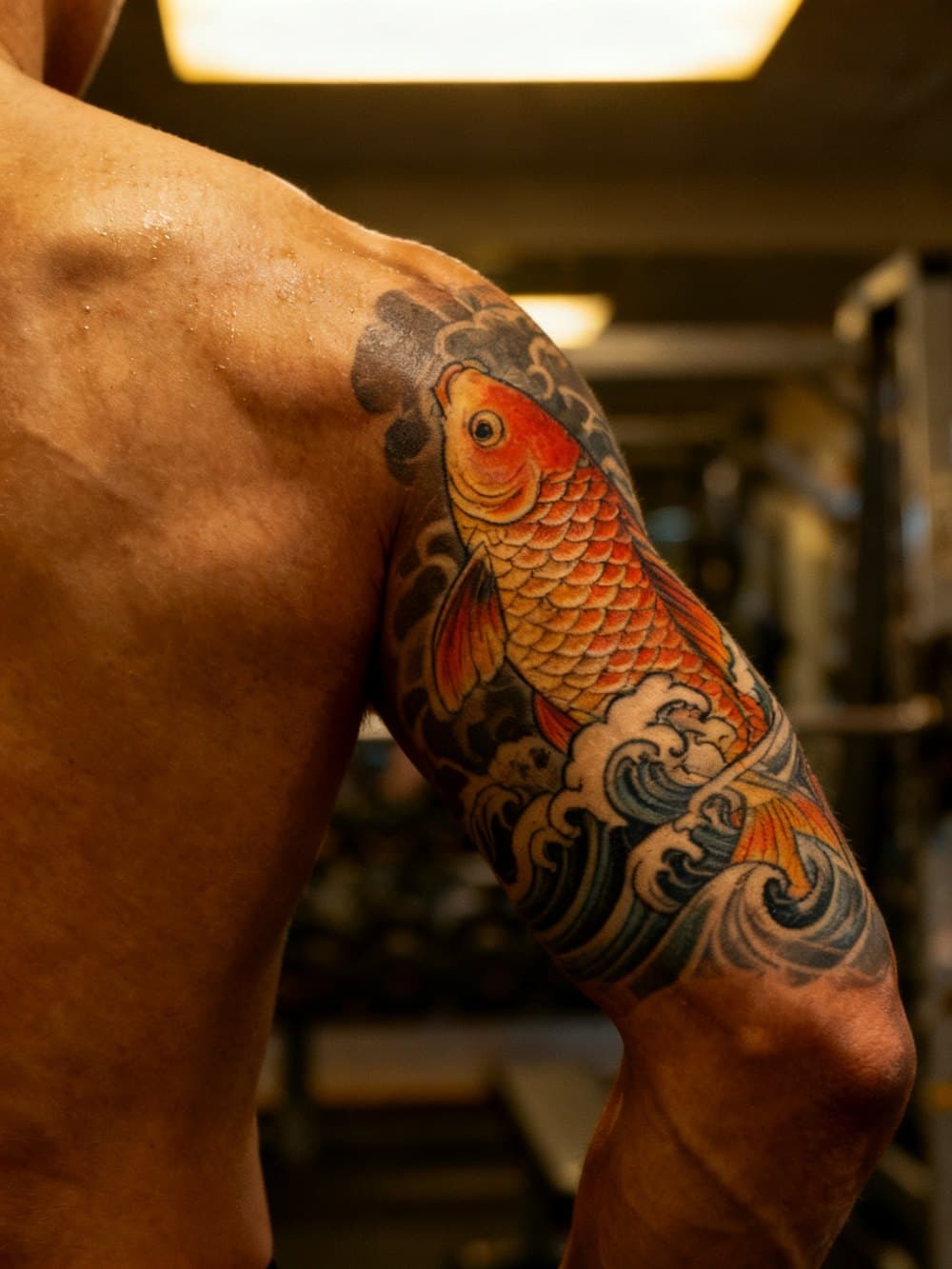 With design
If this is your first tattoo, the chest is one of the most popular starting spots — visible enough to show off, covered enough that you can hide it if needed. And watercolor is one of the most requested styles for first pieces, because it ages well and photographs beautifully.
But first tattoos carry a specific anxiety: you don't know how it'll look in a real photo until it's permanent. Shops can show you healed photos and references, but those are someone else's arm, someone else's skin tone, someone else's muscle shape. InkBefore puts the design on a real photo of the chest before anyone picks up a needle.
Upload a photo, type what you're thinking — "a watercolor design on my chest" — and see it placed in the uploaded photo. Your first preview is free, full view, no watermark. If you want to compare scales, styles, or spots, preview packs start at $4.99 one-time — and the HD download is what you show your artist.
No account required. Your photo is deleted automatically after 24 hours. It's the last check before a forever decision.
Preview a tattoo design on a real photo now
Free preview · No account · Photo deleted in 24h
Upload a photo →Free watermarked preview · HD $5.99 · 5-pack $14.99 ($3/preview)
Frequently asked questions
How long does it take to generate a preview?
About 20-40 seconds. Upload a photo, describe the tattoo design, and the AI places it on the photo in a single pass.
Is my photo private?
Yes. The uploaded photo is used only to generate the preview and is automatically deleted from our servers within 24 hours. No account is needed, and photos are never used for AI training.
How much does it cost?
The watermarked preview is free. The HD version with three style variations is $5.99 for one session, or $14.99 for a five-session pack ($3/preview). One-time payment — no subscription.
Can I upload a reference design?
Yes. In addition to the text description, you can upload a reference image of the design you want placed on the photo.